
Tablet vs. Laptop for Kids: Matching the Device to the Task

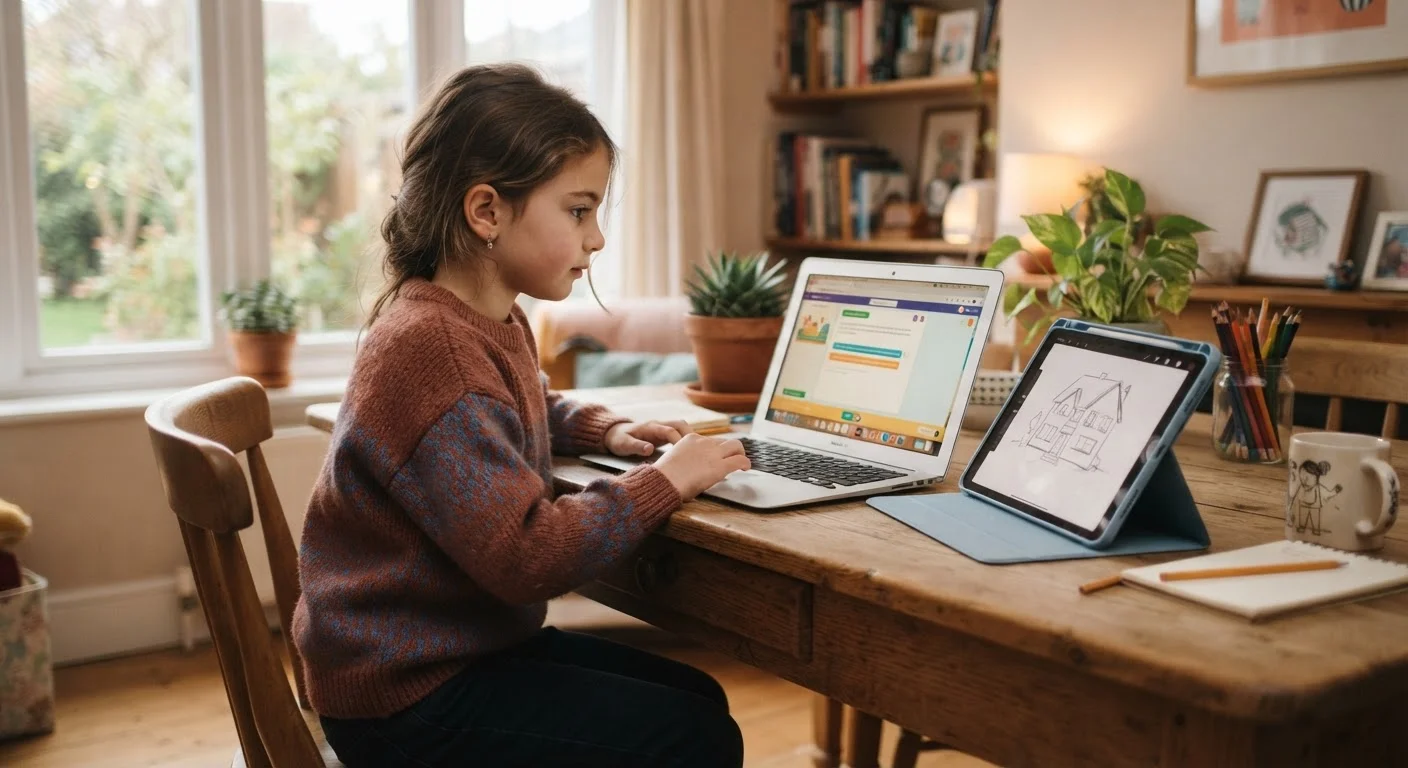
Photo: latesttrend.net editorial
Key Takeaways
- Tablets work well for young children doing reading, videos, and light educational apps.
- Laptops handle typing-heavy schoolwork and desktop-style programs more effectively.
- The right choice depends on the child's age, grade level, and specific tasks.
- Many families find one device does not cover every need as children get older.
- Parental controls are available on both platforms but differ in setup and flexibility.
How each device is actually used by kids
A tablet is a touchscreen device without a physical keyboard by default. Children use them primarily for apps, video playback, digital books, and interactive learning tools. The interface is direct and low-friction, which works well for younger kids who have not developed typing skills yet.
A laptop runs a desktop operating system (Windows or macOS in most home setups, or ChromeOS on school-issued Chromebooks). It has a physical keyboard and trackpad, which makes it better suited for longer writing tasks, spreadsheet work, and programs that do not have mobile app versions.
The gap between these two types of use gets smaller as children get older. A 7-year-old doing phonics practice has very different needs than a 14-year-old writing a five-paragraph essay or building a slideshow presentation. Matching the device to the actual tasks at hand prevents wasted money on hardware the child will not use correctly.
Where tablets have a clear advantage
For children roughly ages 3 to 9, tablets are often the more practical choice. The touchscreen interaction is intuitive, drop-in durability cases are widely available, and the curated app ecosystems on major platforms make it straightforward to limit what a child can access.
Tablets also tend to have longer battery life in real-world use for media and app activity, and they are lighter to carry. For a child who mostly reads, watches educational content, or works through learning apps, a tablet covers those tasks without the complexity of a full operating system.
Parental controls on tablets are generally more integrated. You can set daily time limits, approve app downloads, and restrict content categories from a single settings panel. For more detail on how those controls work across platforms, see how to set up parental controls across home devices.
| Tablet | Laptop | |
|---|---|---|
| Best age range | Preschool through early elementary | Late elementary through high school |
| Typing comfort | Limited without add-on keyboard | Full physical keyboard standard |
| App and software access | Mobile apps, curated stores | Desktop software, browser-based tools |
| Battery life (typical) | 8 to 12 hours for media use | 6 to 10 hours varies by model |
| Parental control integration | Built-in, straightforward setup | Available but more steps required |
| Starting price range | Around $150 to $200 | Around $200 to $250 |
| File and document handling | Workable but limited | Straightforward, school-compatible |
Where laptops make more sense
Once a child is regularly typing assignments, a physical keyboard stops being optional. Typing on a glass screen is slower and more error-prone than typing on physical keys, and most children writing multi-paragraph schoolwork will feel that difference within minutes.
Laptops also handle file management better. Saving a Word document, attaching it to an email, submitting it through a school portal, and then revising it later is straightforward on a laptop and awkward on a tablet. Many school platforms are designed with desktop browsers in mind, and some features break or disappear on mobile browsers or apps.
If you are evaluating which specifications actually matter when shopping for a laptop for this age group, our guide on laptop specs for families covers what to prioritize and what to skip.
The cost picture
Entry-level tablets from major platforms typically start below $200, while capable models land in the $300 to $500 range. Rugged cases and screen protectors add to the total, but overall the upfront cost is lower than most laptops.
Budget laptops, including Chromebooks, start around $200 to $250 for models adequate for basic schoolwork. Mid-range options with more processing power and storage tend to run $400 to $600. A laptop generally costs more but can handle a wider range of tasks as the child ages into more complex schoolwork.
One thing worth tracking: accessories. A tablet used for writing will often need a Bluetooth keyboard, which adds $30 to $80. That narrows the cost gap. Before settling on a device, total up what the child will actually need to use it for school, not just the base hardware price.
Check what your child's school actually requires
When one device is not enough
Some families find that by middle school, a tablet the household bought for a 6-year-old no longer fits the child's needs. It still works for streaming video or casual reading, but the student now needs a laptop for school. Rather than viewing that as a failure, it reflects a genuine shift in how children use technology as they progress through school.
Households with multiple children at different ages sometimes keep both types of devices in rotation. A tablet suits younger siblings while older children use a shared laptop for homework. This is a reasonable approach as long as the sharing schedule gets worked out before the homework deadline arrives.
If the family uses shared devices across the home for entertainment and streaming as well, comparing streaming device options can help separate those needs from what a child's school device should do.
The content provided on our blog site traverses numerous categories, offering readers valuable and practical information. Readers can use the editorial team’s research and data to gain more insights into their topics of interest. However, they are requested not to treat the articles as conclusive. The website team cannot be held responsible for differences in data or inaccuracies found across other platforms. Please also note that the site might also miss out on various schemes and offers available that the readers may find more beneficial than the ones we cover.