
Before You Recycle Old Electronics: A Household Checklist

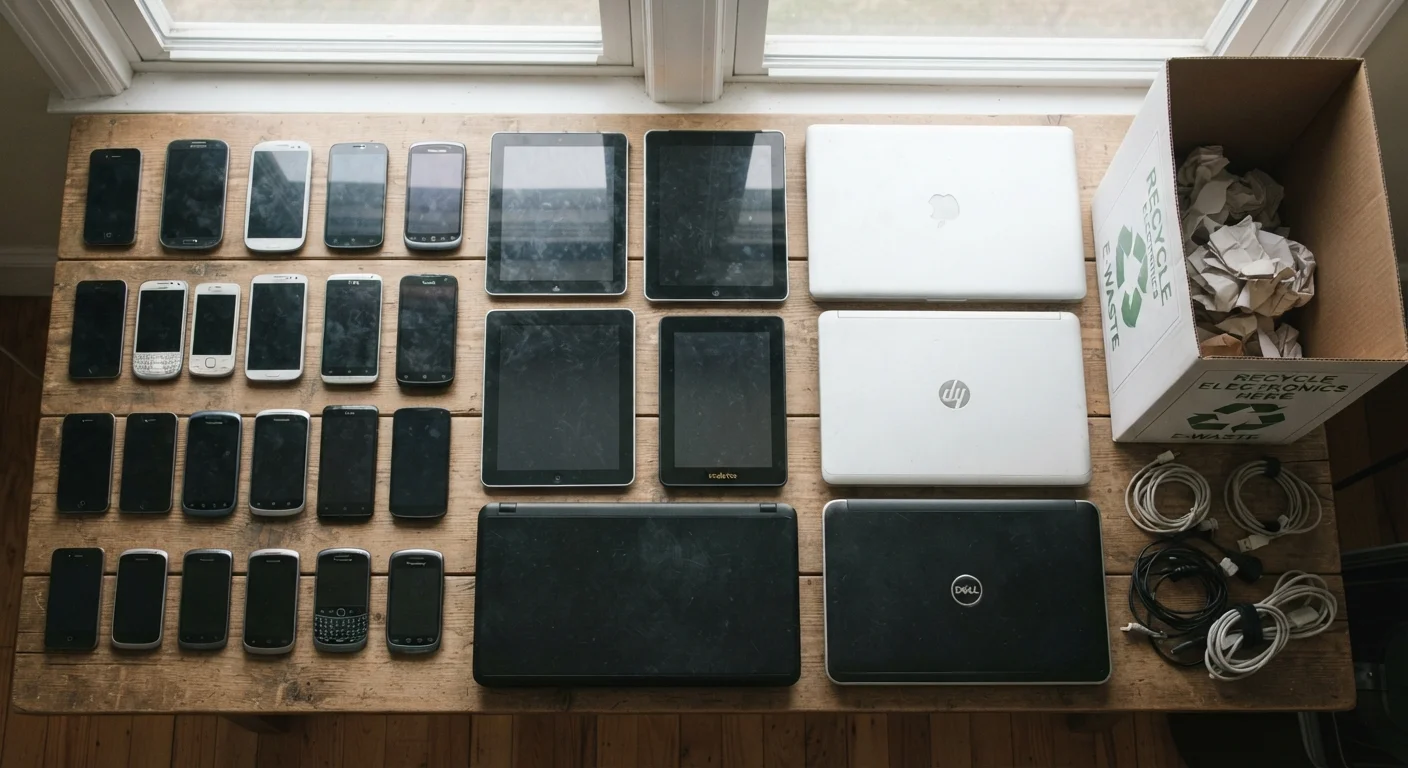
Photo: latesttrend.net editorial
Key Takeaways
- Back up your data before doing anything else, because a factory reset permanently erases files.
- Sign out of every account on the device before wiping it to prevent lock-in issues for the next user.
- Physical destruction is the only fully certain data-removal method for failed or unresponsive drives.
- Many retailers, manufacturers, and municipal programs accept old electronics for free, proper disposal.
- Remove SIM and memory cards from phones and tablets before handing any device over.
Why this checklist matters before you drop off any device
Dropping an old phone or laptop into a recycling bin feels like the responsible thing to do, and it is. But doing it without preparation can expose your family to real privacy and security risks. Old devices often hold saved passwords, banking apps, personal photos, stored Wi-Fi credentials, and years of browsing history. A factory reset, done correctly, removes most of that. Done incorrectly, or skipped entirely, it leaves data accessible to whoever handles the device next.
This checklist walks through every step in the right order, from backing up to finding a legitimate drop-off point. It applies to smartphones, tablets, laptops, desktop computers, smart speakers, and streaming sticks. Work through each group before you recycle, donate, or hand off any device. For families managing multiple devices across a household, the parental controls guide is a useful companion if children's devices are part of the batch.
Do not skip deactivating Activation Lock
What you will need before you start
Gather these tools and information before working through the checklist. Having them ready prevents interruptions mid-process, especially during factory resets that can time out or lock up if credentials are not at hand.
Cloud storage account
Provides a destination for backing up photos, contacts, and documents before the device is wiped.
External hard drive or USB drive
Offers a local backup option for households with large media libraries or slow internet connections.
Account credentials (usernames and passwords)
Required to sign out of Apple ID, Google, Microsoft, and other services before a factory reset can complete cleanly.
SIM card ejector tool or small pin
Needed to remove the SIM card tray on most modern smartphones and some tablets.
Disk-wiping utility (for computers)
Performs a more thorough drive erasure than a standard OS reset on older machines without a built-in secure erase option.
The full pre-recycling checklist
Work through the groups below in order. Skipping backup before wiping is the most common mistake, and it cannot be undone. Each item is labeled to show whether it is strictly required, strongly recommended, or an optional extra step for households that want maximum assurance.
Back up your data
Sign out and deauthorize accounts
Remove physical components
Wipe the device
Confirm and document
Finding a legitimate recycling drop-off
Once a device is wiped and physically ready, disposal matters too. Tossing electronics in household trash is illegal in many states and puts toxic materials into landfills. Several free options are widely available.
Many large retailers operate in-store drop boxes for small electronics year-round. Device manufacturers often have mail-in or trade-in programs. Municipal household hazardous waste events accept electronics periodically, and your local waste authority's website will list schedules. The U.S. Environmental Protection Agency maintains a list of certified e-Stewards and R2-certified recyclers at epa.gov, both of which follow responsible downstream processing standards.
If a device still works, donation to a school, library, or nonprofit refurbisher is another option. Wipe it first using the checklist above regardless of where it goes. For more context on avoiding costly missteps around household upkeep decisions, the home maintenance myths article covers common patterns that waste money across the board. The Affordable Home Tips hub has additional resources on managing household costs.
The content provided on our blog site traverses numerous categories, offering readers valuable and practical information. Readers can use the editorial team’s research and data to gain more insights into their topics of interest. However, they are requested not to treat the articles as conclusive. The website team cannot be held responsible for differences in data or inaccuracies found across other platforms. Please also note that the site might also miss out on various schemes and offers available that the readers may find more beneficial than the ones we cover.